

May 30, 2024 – Bo – Microsoft 365 Business Consultant
The world of SharePoint is changing rapidly, offering more and more opportunities for styling and branding. Where previously organizations often struggled with the standard SharePoint styling, there are now suddenly more than enough options to give your intranet a completely different look and feel. Something that makes us very happy. This means you can finally fully integrate your branding and create an intranet that truly fits your organization. And the best part? Lots more to come!
For many organizations, the functionalities in standard SharePoint are often sufficient to create an intranet, but the styling does not offer enough features. But that is now a thing of the past! With the introduction of the new SharePoint Brand Center and additional styling options, you can achieve an intranet that not only meets your organization’s functional requirements, but is also visually appealing and fully aligned with your brand.
In the new Brand Center, it is now possible to fully customize the look and feel of your SharePoint experiences. Consider your own corporate colors, fonts and other graphic elements.
Microsoft recently rolled out a series of new features that give you more control over the styling of your SharePoint sites:
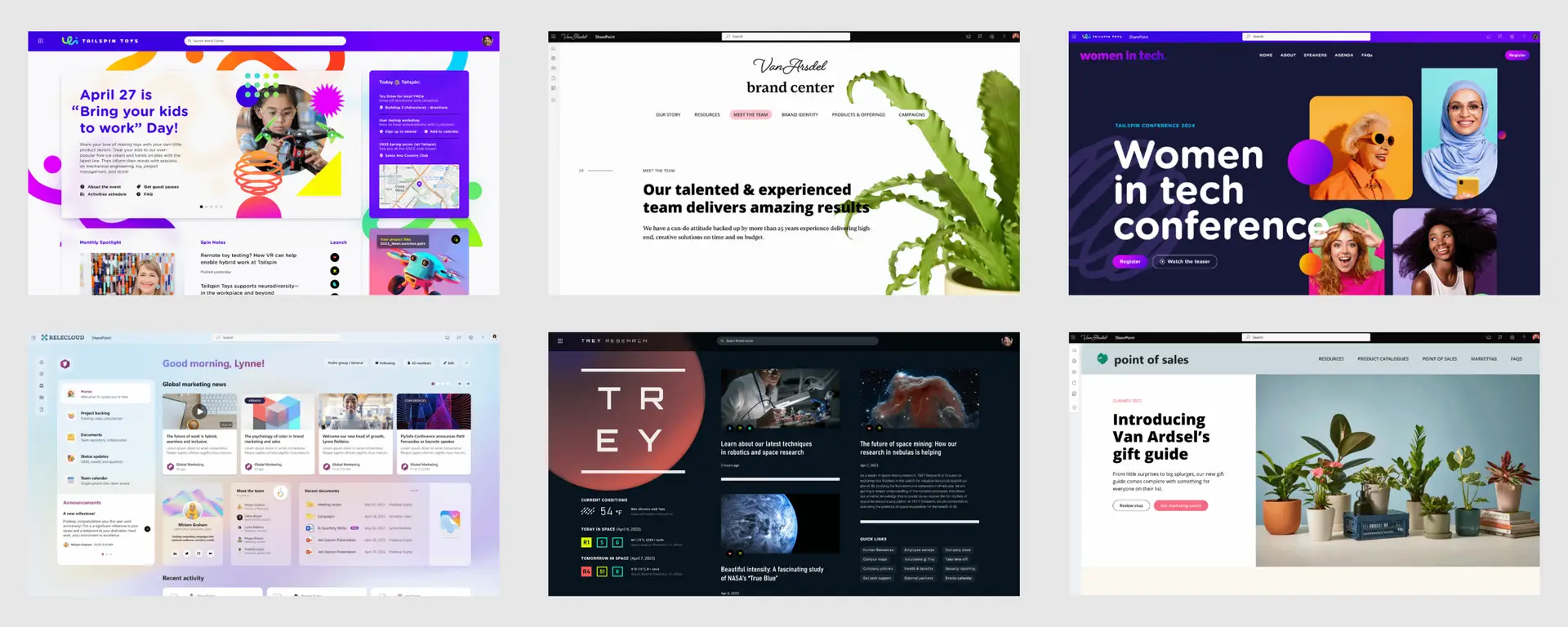
This is not all, for now remains Microsoft keeps rolling out new features. Consider flexible layout sections create. Daardoor you are no longer bound to a maximum of three sections with fixed formats. And in September 2024, themes and logos will be added to the SharePoint Brand Center. This means you have even more opportunities to fully customize your intranet to match your organization’s branding.
We understand that after reading this blog, you want to get started on styling your SharePoint environment right away. If you want to implement your organization’s branding, you can do so in the Brand Guide. Activation of the Brand Guide is done from the organization settings in the Microsoft admin center, you must be global administrator to do this!
Upload then your own fonts and choose where to display them. It is not currently possible to delete fonts, only hide them. In addition to allowing you to upload your own fonts, Microsoft also offers its own collection. The fonts are both in SharePoint and in Viva Connections available, where you can use the same styling options. Themes and logos will soon be added (September 2024).
The latest updates and SharePoint Brand Center offer unprecedented opportunities to fully customize your intranet for your organization.
Would you like to work on this yourself and if you have any questions, we are ready to answer your questions. If you are curious whether an Intranet based on Standard SharePoint is an option for your organization, we would also be happy to help you!
Engage in the conversation!
Are you stuck with an IT challenge and want to spar with our experts to find an appropriate solution and approach together? Contact us to address your issue!
