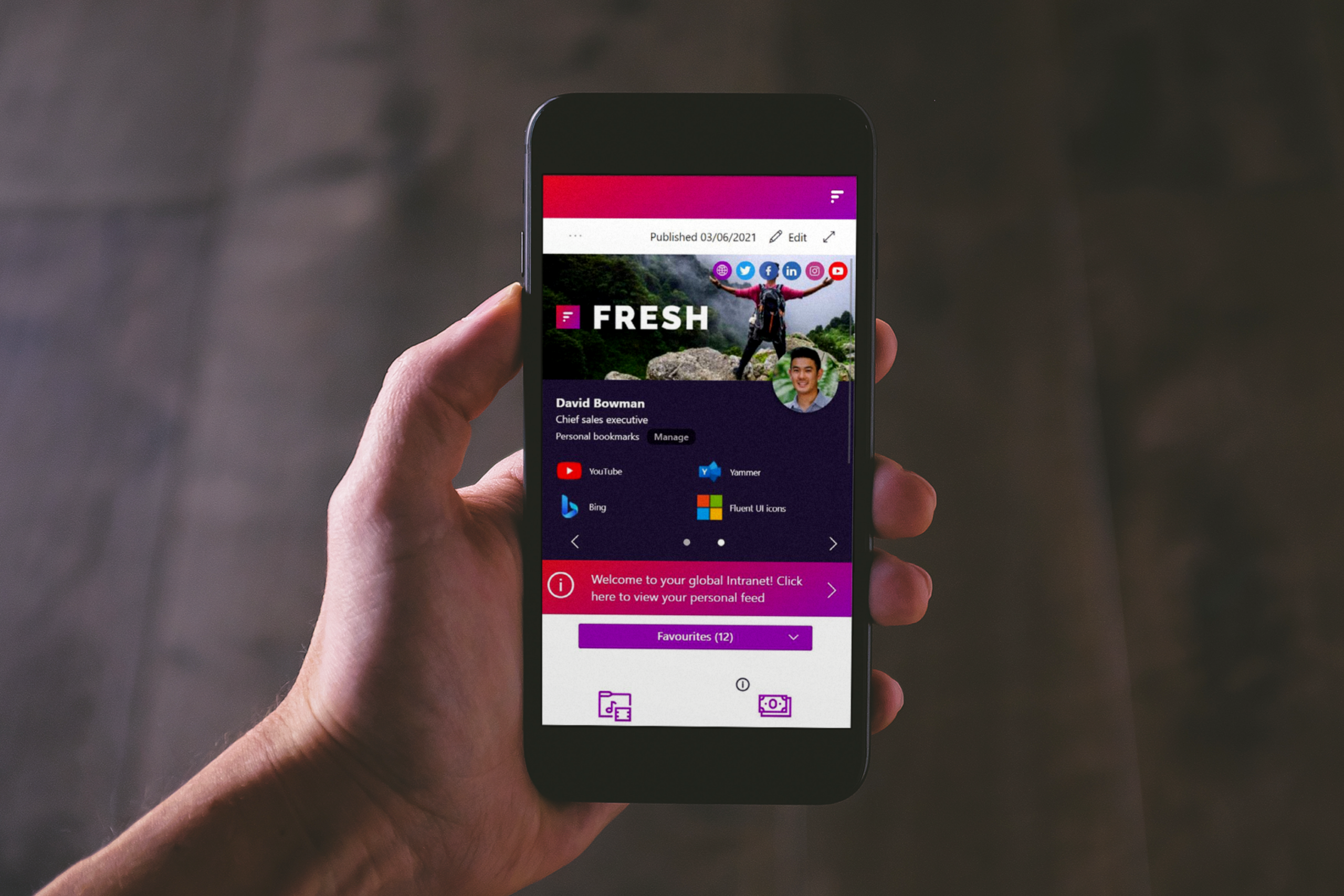
Organizations with employees on the construction site, in the field or in other locations without a fixed workplace regularly ask us this question. Does Fresh Intranet have a mobile app? And if not, will there be?
It’s a logical question. Many intranet solutions offer their own mobile app and position it as the way to reach employees on the go. Yet Fresh Intranet very deliberately takes a different approach. An approach that connects better with Microsoft 365 and proves more effective in practice.
In this blog, we explain why Fresh does not have a separate mobile intranet app, how mobile usage does, and how organizations can properly reach employees outside the office.
Fresh Intranet and Microsoft 365 as a foundation
Fresh Intranet is built on SharePoint and works entirely within Microsoft 365. Everything you do within the intranet falls under the same security, identity and compliance that organizations already use. Employees log in with their existing Microsoft account, and IT doesn’t have to manage or secure an additional platform.
Precisely because Fresh is so closely intertwined with Microsoft 365, there is no need for a separate mobile app. The infrastructure and security are already there and the intranet moves with it.
How does Fresh work on mobile?
Because Fresh runs on SharePoint, the intranet has excellent accessibility on mobile devices. Employees access the intranet through the SharePoint app or through the Microsoft Teams app, depending on how the organization has set it up.
Many organizations choose to make the intranet available directly in Teams. With Viva Connections, Fresh can be displayed as the home page in Teams, both on desktop and mobile. This makes the intranet part of the daily work environment and always directly accessible.
When organizations do not deploy Viva Connections, there is the Fresh Teams Intranet App. In this case, Teams acts as a gateway to the intranet and employees are presented with a personalized home page or department page. Again, this works entirely on mobile devices and without additional apps or accounts.
Why Fresh deliberately doesn't have its own mobile app
The choice not to develop a separate mobile intranet app is deliberate. Fresh Intranet works entirely within Microsoft 365 and uses the same environment that organizations have already set up. This means that employees simply open the intranet within Microsoft 365, using their existing account and permissions. No separate environment, additional app and/or additional license is required.
But there are a number of other reasons why Fresh deliberately does not offer its own mobile app:
Reason 1: SharePoint content always requires a Microsoft license
We frequently get the question, “Why doesn’t Fresh have a mobile app? Our field staff doesn’t have a Microsoft account, so an app would still allow those employees to view the content.”
That thought is understandable, but that’s not how it works in practice. Fresh uses SharePoint as the basis for the intranet. That means news items, pages and other intranet information are in SharePoint. So when an employee wants to read that information, they open SharePoint content. Viewing that content always requires a Microsoft account with the appropriate permissions and license. That applies regardless of whether someone opens that information through a browser, through Teams or a mobile app.
If your organization posts news and information on SharePoint, or SharePoint is used as an intranet and you want to display it in an app, there is no way around it. Not even the apps of other intranet vendors. So you always need a license.
Reason 2: The functionality of mobile intranet apps is limited
To remain secure and manageable, many mobile apps offer only partial functionality. Most of the time, they involve reading news or static content. Personalization is limited, integration with other Microsoft tools is often lacking, and workflows or Teams functionality are not available.
The result is a difference in experience between mobile and desktop, with field staff using a stripped-down version of the intranet.
Reason 3. Two experiences create additional management and confusion
When organizations have both a mobile app and a full digital workplace, this effectively creates two intranets. This requires dual communications and additional adoption, as well as more management. For internal communications teams, this often means extra work and less consistency.
Fresh deliberately chooses one central intranet experience that can be accessed in a variety of ways.
Reason 4. Having an app does not automatically mean using it
A mobile app must be installed, configured and then actively used. In practice, many employees do not do this, especially since the functionality is more limited. In addition, the risk is that the app turns into an additional channel for one-way communication, similar to email, but with more management burden.
The real challenge is not in an app
In conversations with organizations, it appears that the demand for a mobile app often stems from a different need. It’s rarely really about the app itself, but rather how to reach employees without a fixed workstation, how to keep information relevant and how to keep people from being inundated with content.
These are issues around communication, design and target group orientation. At organizations like Ballast Nedam, we see this clearly.
“Although the intranet is available through Teams, it is not always actively accessed by site employees.”
– Ballast Nedam
What works great for field staff in practice
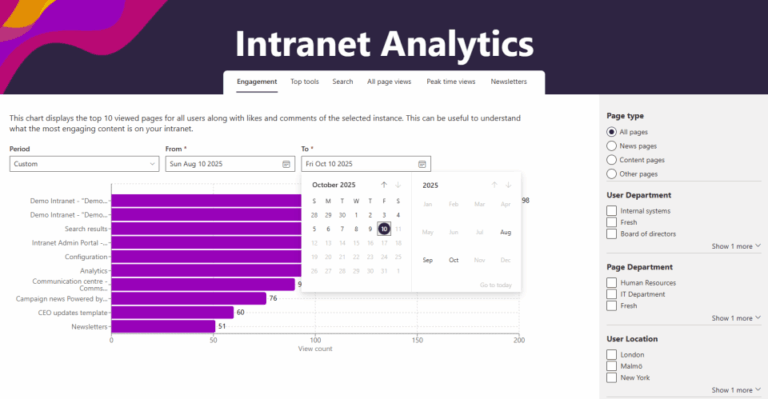
What does prove effective is targeted communication. With Fresh, organizations can compile personalized newsletters from the intranet. Relevant content is determined for each target group, ensuring that employees receive only the information that applies to them. This lowers the threshold and increases engagement.
You can also use narrowcasting, for example. By placing screens in the shack or at central locations on the construction site, important information becomes visible without employees having to log in. This fits better with the daily practice of frontline employees.
The real challenge is not in an app
Fresh Intranet does not have its own mobile app. This is a deliberate choice that suits Microsoft 365 and how employees work in practice. Mobile access is well managed through Teams and SharePoint, while organizations with many employees out of the office achieve more results with targeted communication through newsletters and narrowcasting.
Wondering how you can use Fresh even smarter for site or field employees? We will discuss this in more detail in a subsequent blog. Want to know more about Fresh Intranet now? Check out our Fresh page or schedule a demo via the link below.