Microsoft 365 offers organizations endless opportunities to collaborate smarter, manage documents and share information. But with that power comes responsibility, because how do you ensure that information does not become fragmented, that confidential data remains well protected and that you comply with laws and regulations? Governance and compliance play a crucial role here. They provide grip, structure and certainty. Yet in practice, drawing up such a policy is not always easy.
A strong governance and compliance policy is the foundation for a secure, organized and future-proof Microsoft 365 environment. In this blog, we’ll help you get started on your governance and compliance policy in six steps.
A policy starts with awareness. Governance and compliance often sound like technical terms, but at their core they are about getting a grip on information, mitigating risk and taking responsibility. The goal is not to impose restrictions but rather to make collaboration more secure, consistent and efficient.
When everyone works daily in Teams, SharePoint and OneDrive, it is important to have clear agreements about what belongs where, who is responsible for what and how information is protected.
Important to realize:
Before creating a policy, it is important to know what agreements, rules and obligations your organization must comply with. Sometimes there are internal guidelines from a parent organization or agreements laid down in contracts with customers. There are also external laws and standards that affect how you handle information.
Consider the General Data Protection Regulation (AVG), the Archives Act, the NIS2 Directive or industry requirements such as ISO 27001. These rules determine how long information must or may be kept, personal data is protected and access to data is regulated.
Important to realize:
Before you can improve anything, you need to know where you are now. In this step, you examine how governance and compliance are currently set up within Microsoft 365. It may be that certain settings have already been applied or arrangements have been made previously, but they have not been followed consistently across the board or have changed over time.
In doing so, look at four key areas: archiving and retention periods, confidentiality, access and rights, and information architecture. This will help you discover where risks lie, such as overly broad access rights, outdated documents or unclear ownership.
Can’t figure this out on your own? Our Governance and Compliance Scan helps organizations to clearly map this out: where is your environment now, what is already well organised and where are the greatest opportunities for improvement?
Important to realize:
A good policy only works if it is clear who is responsible for what. Governance does not always have to be a task of IT; it can also be a shared responsibility of Communications, HR, Security and the business. When everyone knows their role, the organization stays in control more easily.
Designate owners for Teams and SharePoint sites and define who creates, implements and monitors policies. Make processes concrete: how is a new team created, who may allow external sharing and when is an inactive site archived? Clear agreements ensure that policies are not only drawn up but also actually observed.
Important to realize:
If you’ve thought carefully about all the preceding steps, you have a great start to your governance and compliance policy. But policy alone won’t get you there. Now it’s time to actually apply it in practice.
For example, consider setting retention tags for retention periods, confidentiality tags for sensitive documents or using provisioning that automatically creates new Teams and SharePoint sites according to set templates and name conventions.
Is this something you’d rather not do yourself or that you could use extra help with? Then, of course, we can help you with it.
Important to realize:
A governance and compliance policy is not a project you complete, but a process that requires constant attention. Organizations change, legislation evolves and technology innovates. Therefore, it is important to regularly evaluate and adjust policy and design.
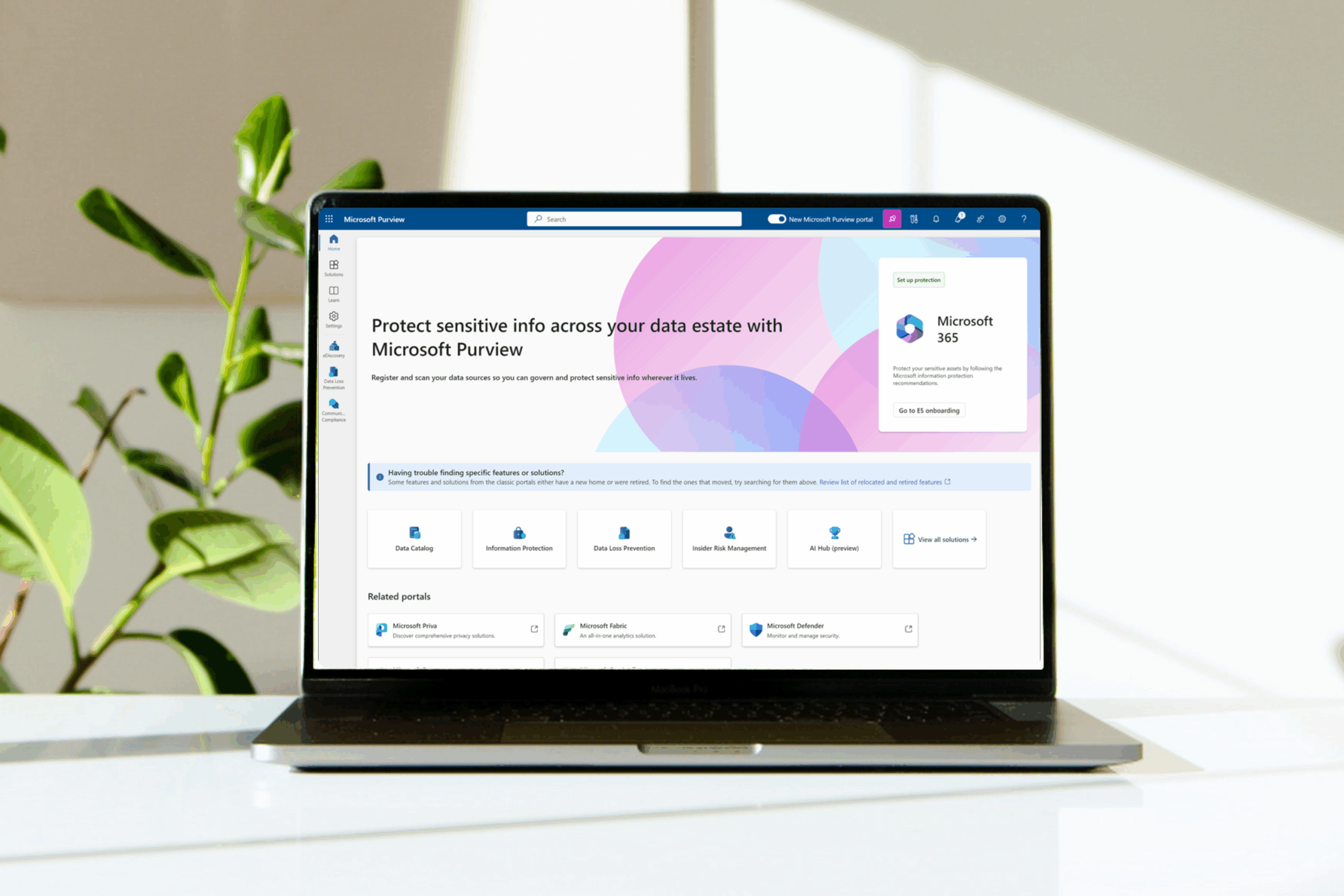
Use reports and dashboards in Microsoft Purview or Security Center to maintain visibility into how your policies are being enforced. Conduct access reviews, check shared links and monitor outdated Teams and documents.
Important to realize:
With these six steps, you lay a solid foundation for an organization-wide approach to governance and compliance. You’ll create oversight, security and trust and ensure that Microsoft 365 remains not only powerful, but also manageable.
Would you like to get started, but it still seems like a big step and you’re not sure where to start? We would be happy to help you get started.